Let AI work with the formats your business actually runs on
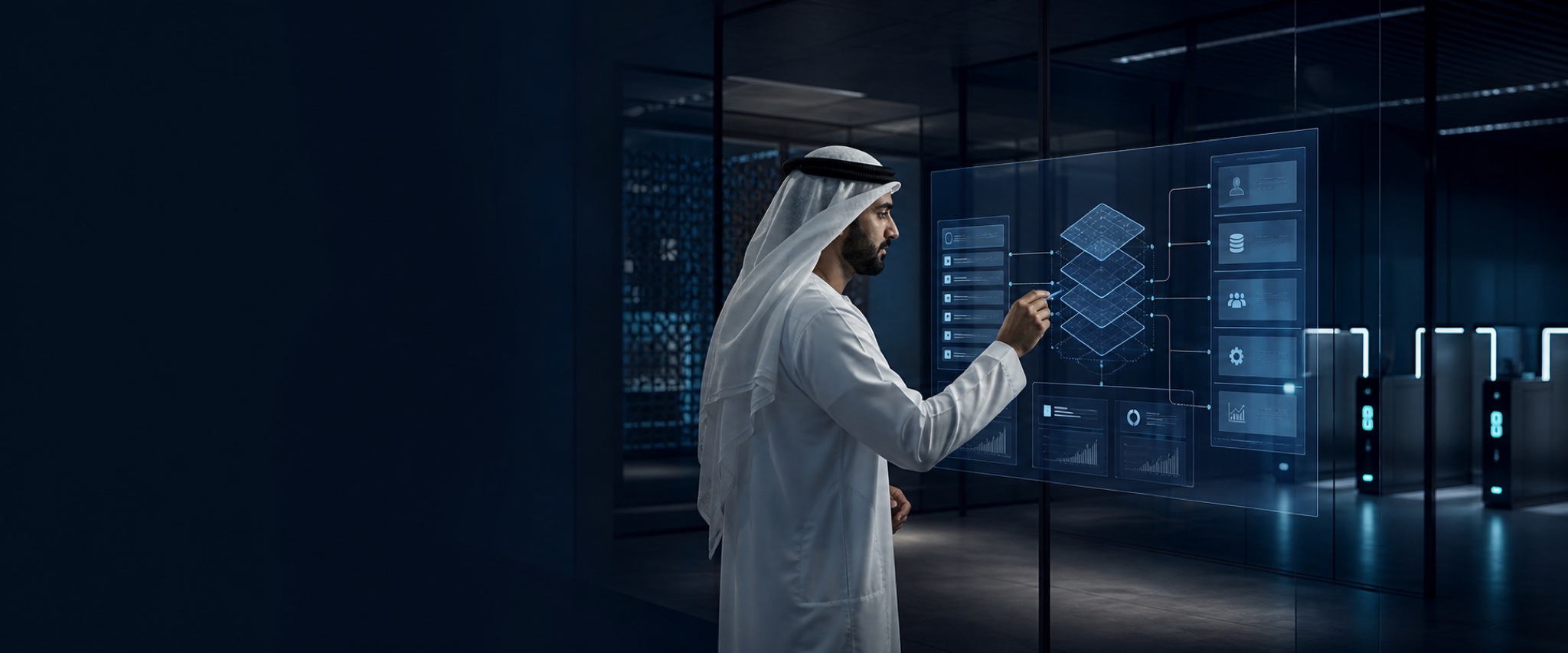
Enterprise work is not confined to clean text. It lives in invoices, drawings, photographs, calls, videos, scanned forms, dashboards, and interfaces that were never designed for APIs. Multimodal AI can interpret those formats together; computer-use agents can navigate a screen when no safer integration exists. Altivate turns both capabilities into controlled workflows—not unattended clicks.
One reasoning layer across multiple modes
The value comes from connecting perception to a business process, not from describing an image in isolation.
Design computer-use agents as constrained operators
Interface automation has a larger attack and error surface than a typed API, so the control model must be explicit.
Prefer stable system interfaces
Use approved APIs, events, and workflow services wherever possible. Reserve screen operation for the narrow gaps that cannot be integrated safely another way.
Constrain the environment
Limit domains, applications, accounts, data, action types, and session lifetime. Run in isolated environments with secrets kept outside screenshots and prompts.
Verify before consequence
Require confirmation for irreversible, financial, sensitive, or externally visible actions and show the exact proposed change before approval.
Record and replay
Capture observations, chosen actions, outcomes, failures, and screenshots needed for audit while applying retention and privacy controls.
Choose the safest execution path
Visual interaction is valuable, but it should not replace a stronger integration simply because it is easier to demo.
| Path | Use it when | Key controls |
|---|---|---|
| API or event | The system exposes a stable, supported interface. | Typed inputs, least privilege, idempotency, audit |
| Workflow automation | Business rules and approvals span known systems and people. | State machine, approvals, retries, exception ownership |
| Computer use | A critical legacy or external interface has no viable integration. | Isolated session, allowlists, visual checks, human confirmation |
| Human-only | The action is too ambiguous, sensitive, or irreversible for safe automation. | AI may prepare evidence, but a person decides and acts |
Multimodal workflows with a measurable operational result
Each case connects perception to a transaction, exception, or decision.
Multimodal and computer-use AI FAQ
Is computer-use AI the same as robotic process automation?
They overlap, but computer-use models interpret visual state and adapt actions dynamically, while traditional RPA follows more deterministic selectors and rules. Many reliable solutions combine both.
Can multimodal AI replace document templates?
It can reduce template dependence, but critical fields still need validation, confidence thresholds, business rules, and human review when the source is ambiguous or the consequence is high.
How do we protect sensitive information in screenshots and recordings?
Use isolated sessions, masking or redaction, least-privilege accounts, controlled retention, encrypted storage, and policies that keep credentials and unrelated personal data out of model context.